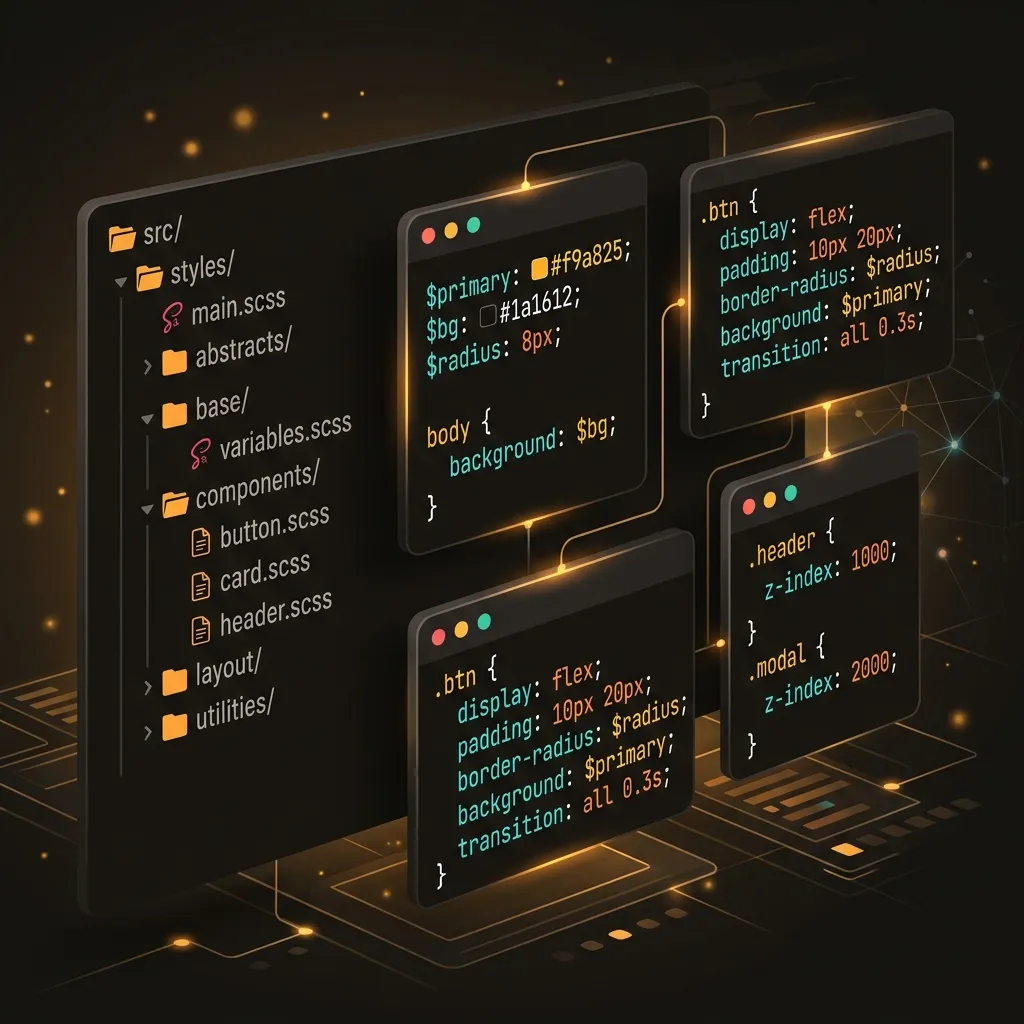
Best CSS Practices for Clean Code in 2025
Writing clean, maintainable CSS has never been more important. As web applications grow in complexity and teams expand, the need for organized, scalable stylesheets becomes critical to project success.
In 2025, CSS has evolved beyond simple styling. With new features like container queries, cascade layers, and advanced logical properties, we have powerful tools to create more robust and maintainable code.
This guide covers the essential practices that separate professional CSS from amateur code, helping you write styles that are readable, performant, and future-proof.
1. Organization and Structure
Use a Consistent File Structure
Organize your CSS files logically to make them easy to navigate and maintain:
styles/
├── base/
│   ├── reset.css
│   ├── typography.css
│   └── variables.css
├── components/
│   ├── buttons.css
│   ├── cards.css
│   └── navigation.css
├── layout/
│   ├── grid.css
│   ├── header.css
│   └── footer.css
└── utilities/
    ├── spacing.css
    └── colors.css
Follow the BEM Methodology
Block Element Modifier (BEM) creates clear, predictable class names:
/* Block */
.card { }

/* Element */
.card__title { }
.card__content { }

/* Modifier */
.card--featured { }
.card__title--large { }
2. Modern CSS Features for 2025
Cascade Layers for Better Control
Use @layer to explicitly control the cascade:
@layer reset, base, components, utilities;

@layer reset {
  * { margin: 0; padding: 0; }
}

@layer components {
  .button { padding: 1rem 2rem; }
}

@layer utilities {
  .text-center { text-align: center; }
}
Container Queries for True Component Responsiveness
Move beyond viewport-based media queries:
.card-container {
  container-type: inline-size;
}

@container (min-width: 400px) {
  .card {
    display: flex;
    gap: 1rem;
  }
}
3. Performance Optimization
Minimize CSS Bundle Size
Use Efficient Selectors
Avoid overly complex selectors that slow down rendering:
/* ❌ Avoid - Too specific and slow */
div.container > ul.nav li.item a.link:hover { }

/* ✅ Better - Simple and fast */
.nav-link:hover { }
4. Responsive Design Best Practices
Mobile-First Approach
Start with mobile styles and progressively enhance:
/* Mobile first (base styles) */
.grid {
  display: grid;
  gap: 1rem;
}

/* Tablet and up */
@media (min-width: 768px) {
  .grid {
    grid-template-columns: repeat(2, 1fr);
  }
}

/* Desktop and up */
@media (min-width: 1024px) {
  .grid {
    grid-template-columns: repeat(3, 1fr);
  }
}
Fluid Typography and Spacing
Use clamp() for responsive sizing without media queries:
h1 {
  font-size: clamp(2rem, 5vw, 4rem);
}

.container {
  padding: clamp(1rem, 5vw, 3rem);
}
5. CSS Custom Properties (Variables)
Create a Design System
Use CSS custom properties to maintain consistency:
:root {
  /* Colors */
  --primary-color: #3b82f6;
  --secondary-color: #64748b;
  --success-color: #10b981;
  --error-color: #ef4444;

  /* Spacing */
  --space-xs: 0.5rem;
  --space-sm: 1rem;
  --space-md: 1.5rem;
  --space-lg: 2rem;

  /* Typography */
  --font-size-sm: 0.875rem;
  --font-size-base: 1rem;
  --font-size-lg: 1.125rem;
}
6. Modern Layout Techniques
CSS Grid for Complex Layouts
Use Grid for two-dimensional layouts:
.layout {
  display: grid;
  grid-template-areas:
    "header header"
    "sidebar main"
    "footer footer";
  grid-template-rows: auto 1fr auto;
  min-height: 100vh;
}

.header { grid-area: header; }
.sidebar { grid-area: sidebar; }
.main { grid-area: main; }
.footer { grid-area: footer; }
Flexbox for Component Layout
Use Flexbox for one-dimensional layouts and component alignment:
.card {
  display: flex;
  flex-direction: column;
  gap: 1rem;
}

.card-actions {
  margin-top: auto; /* Push to bottom */
  display: flex;
  gap: 0.5rem;
  justify-content: flex-end;
}
7. Accessibility and Semantic CSS
Focus Management
Ensure keyboard navigation is clear and accessible:
.button:focus-visible {
  outline: 2px solid var(--primary-color);
  outline-offset: 2px;
}

/* Remove default focus for mouse users */
.button:focus:not(:focus-visible) {
  outline: none;
}
Color Contrast and Readability
8. Common Pitfalls to Avoid
Overusing !important
Instead of !important, increase specificity or use cascade layers:
/* ❌ Avoid */
.text { color: blue !important; }

/* ✅ Better - Use cascade layers */
@layer utilities {
  .text-blue { color: blue; }
}
Magic Numbers
Avoid arbitrary values without explanation:
/* ❌ Avoid - What is 23px? */
.element { margin-top: 23px; }

/* ✅ Better - Use systematic spacing */
.element { margin-top: var(--space-md); }
Conclusion
Clean CSS is about more than just making things look good—it's about creating maintainable, scalable, and performant stylesheets that can grow with your project.
By following these practices and embracing modern CSS features, you'll write code that is easier to understand, modify, and debug. Remember, consistency is key—establish conventions early and stick to them throughout your project.